Control Live Translation From Your Soundboard
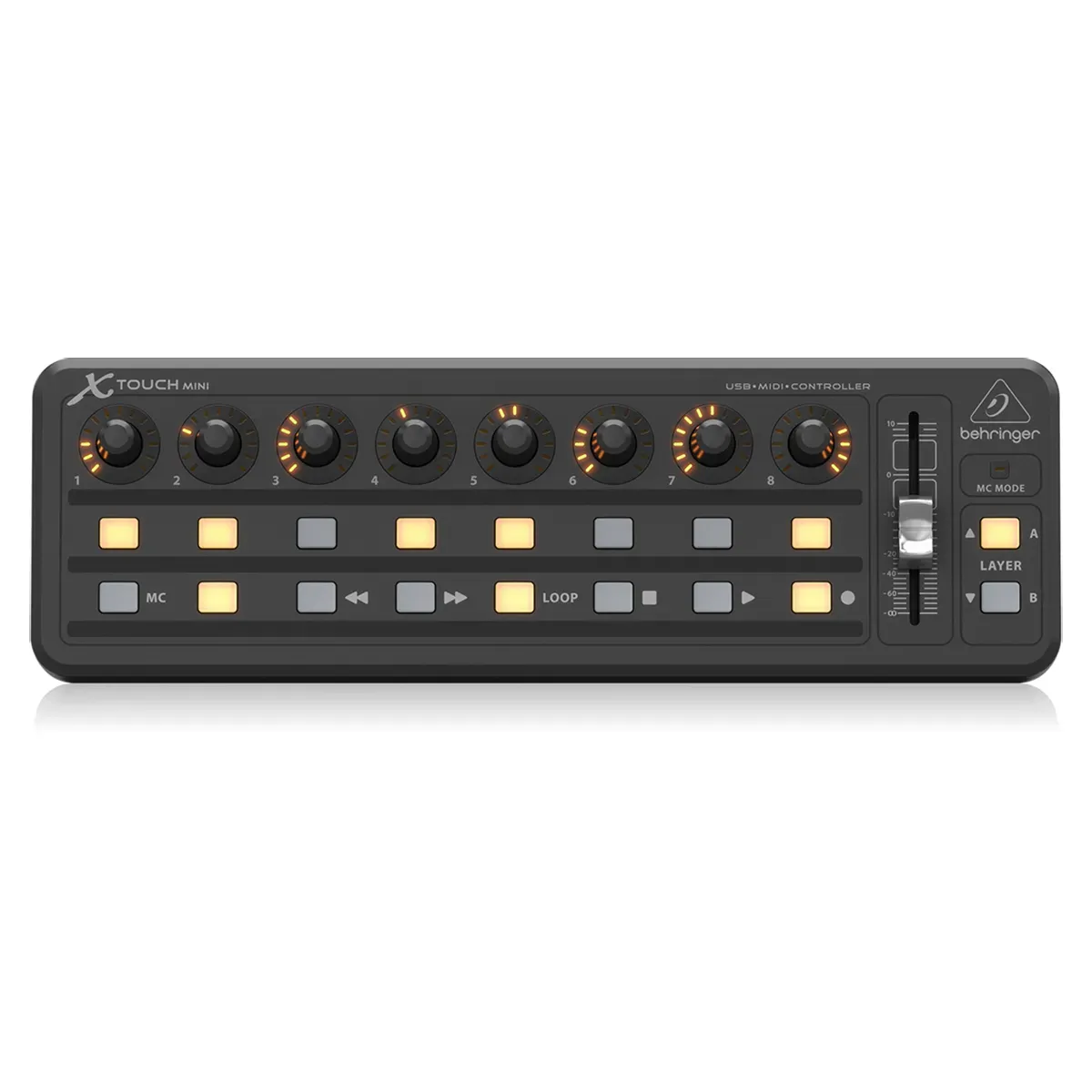
This release is all about giving your service hosts more freedom and control behind the desk. Run live translation the way that fits your setup — straight from a physical soundboard, or from anywhere in the app.
Hands-Free Control with MIDI: Connect a MIDI controller and start or stop live translation without ever touching the computer. Map a physical button to start, another to stop — or use a single button to toggle — right from your Settings. Set it up once, and it's ready for every service.
Glance-and-Know LED Feedback: Your mapped button lights up while you're recording, so a single look at the board tells you you're live — no need to turn back to the screen.
Leave the Translation Page While Recording: Your recording now keeps running as you move around the app. Jump to your announcements, check a preparation, or open settings mid-service — your live translation never skips a beat.
Always-Visible Recording Indicator: A new indicator in the top bar shows your running recording time wherever you are, with quick Stop and back-to-translation buttons always within reach. (In manual mode, we'll still check with you before you leave, since that mode needs you on the page.)
To get started:
Go to Settings
In “Speech-to-text settings” you will see MIDI controls
Grant permissions for the browser to use MIDI
Connect your MIDI controller to your computer
Either select 2 Buttons (one for start, one for stop) or 1 Button (same button for start/stop)
Click on Listen
Press the button on your MIDI controller to connect
A note on desktop apps: Because modern browsers now support MIDI controllers directly, we're no longer planning to release a dedicated native Mac or Windows application — everything you need works right in your browser. If a native desktop app is still important for your church, please reach out and let's talk.